Data Analytics for Small Businesses: Getting Started with the Right Tools
August 13, 2026 · By Samir Agrawal
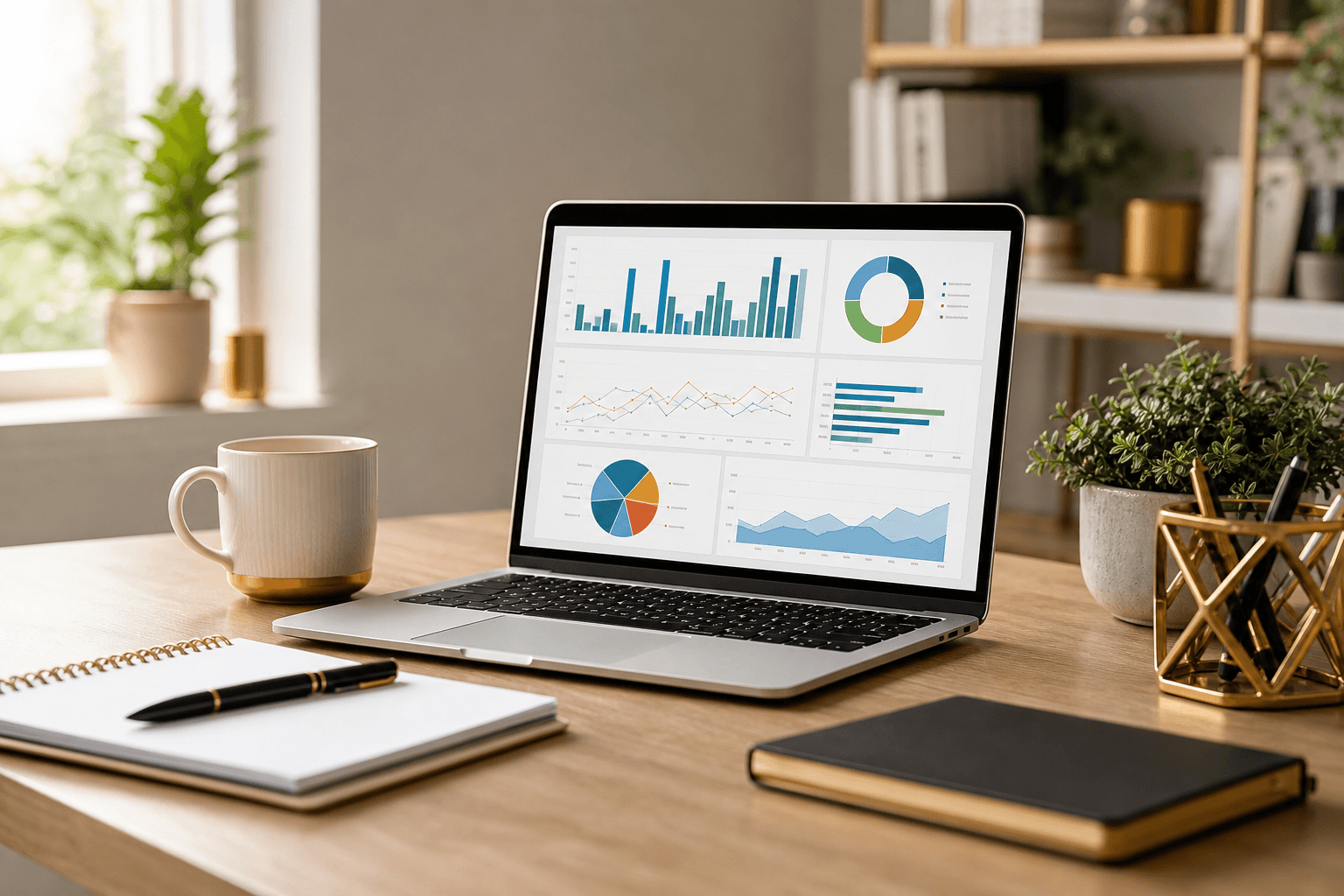
Data analytics used to be the domain of large corporations with dedicated teams and expensive software. That's no longer the case. Today, small businesses have access to powerful, affordable analytics tools that can transform raw data into actionable insights — if you know where to start. After years of helping small businesses harness their data, here's my practical guide to getting started.
Why Data Analytics Matters for Small Businesses
Every business generates data: website visits, sales transactions, customer interactions, marketing campaigns, operational processes. Most small businesses collect this data but rarely analyze it in any structured way. That's a missed opportunity. Data analytics helps you:
- Understand your customers: Who are they? What do they want? When do they buy? Why do they leave?
- Optimize operations: Where are the bottlenecks? What's costing more than it should? Where is time being wasted?
- Make better decisions: Replace gut feelings with evidence. Test assumptions. Measure results.
- Spot trends early: Identify growing demand, emerging problems, or seasonal patterns before they're obvious
You don't need to become a data scientist. You need to ask the right questions and use the right tools to find answers.
Google Analytics: Your Starting Point
If you have a website (and you should), Google Analytics is your first and most important analytics tool — and it's free. Google Analytics 4 provides detailed insights into:
- Where your visitors come from (search, social, referrals, direct)
- What they do on your site (pages viewed, time spent, actions taken)
- Who they are (demographics, interests, devices, locations)
- What converts them (which pages, channels, and campaigns drive results)
The key is setting up meaningful goals and conversions. A contact form submission, a phone call, a purchase, a download — define what success looks like for your business and configure GA4 to track it. Without goals, you're collecting data without direction.
Microsoft Power BI: Bringing It All Together
When you're ready to move beyond website analytics and start analyzing data across your business, Power BI is an excellent next step. It connects to virtually any data source — spreadsheets, databases, cloud services, CRM systems — and lets you build interactive dashboards and reports.
Power BI Desktop is free, and the Pro version is affordable for small teams. The learning curve is moderate, but the payoff is significant: instead of spending hours pulling data from different systems and building reports in Excel, Power BI automates the process and keeps your dashboards updated in real time.
Tableau: Visual Analytics at Its Best
If data visualization is your priority, Tableau is the gold standard. It transforms complex datasets into intuitive, interactive visualizations that make patterns and outliers immediately visible. Tableau is particularly strong for exploratory analysis — when you're not sure what you're looking for and need to discover insights by examining data from different angles.
Tableau offers a free public version and competitive pricing for small businesses through Tableau Creator. It's more expensive than Power BI but offers superior visualization capabilities and a more intuitive design experience for non-technical users.
Key Metrics Every Small Business Should Track
Don't try to track everything. Start with the metrics that directly impact your business:
Financial Metrics
- Revenue trends (monthly, quarterly, by product/service)
- Customer acquisition cost (CAC) — what it costs to gain a new customer
- Customer lifetime value (CLV) — what a customer is worth over time
- Profit margins by product or service line
Marketing Metrics
- Website traffic and conversion rates
- Cost per lead by channel
- Email open and click-through rates
- Social media engagement and referral traffic
Operational Metrics
- Average time to complete key processes
- Customer satisfaction scores
- Employee productivity indicators
- Support ticket volume and resolution time
Making Data-Driven Decisions
Collecting data and building dashboards is only valuable if it changes how you make decisions. Here's how to build a data-driven culture in a small business:
- Start every strategy meeting with data. Before discussing opinions, review the numbers. What do the metrics tell us?
- Test before you invest. Run small experiments, measure results, and scale what works. A/B test your marketing, pilot new processes, and let data guide your expansion.
- Challenge assumptions. "We've always done it this way" isn't a strategy. Use data to validate — or invalidate — your assumptions.
- Share insights widely. Don't let data live in one person's spreadsheet. Make dashboards accessible to the team so everyone can see how the business is performing.
Data analytics for small businesses isn't about complexity — it's about clarity. The right tools, the right metrics, and a willingness to let evidence guide your decisions can be the competitive advantage that sets your business apart.