QuickBase Dashboards: Turn App Data Into Decisions Your Team Will Actually Use
August 27, 2026 · By Samir Agrawal
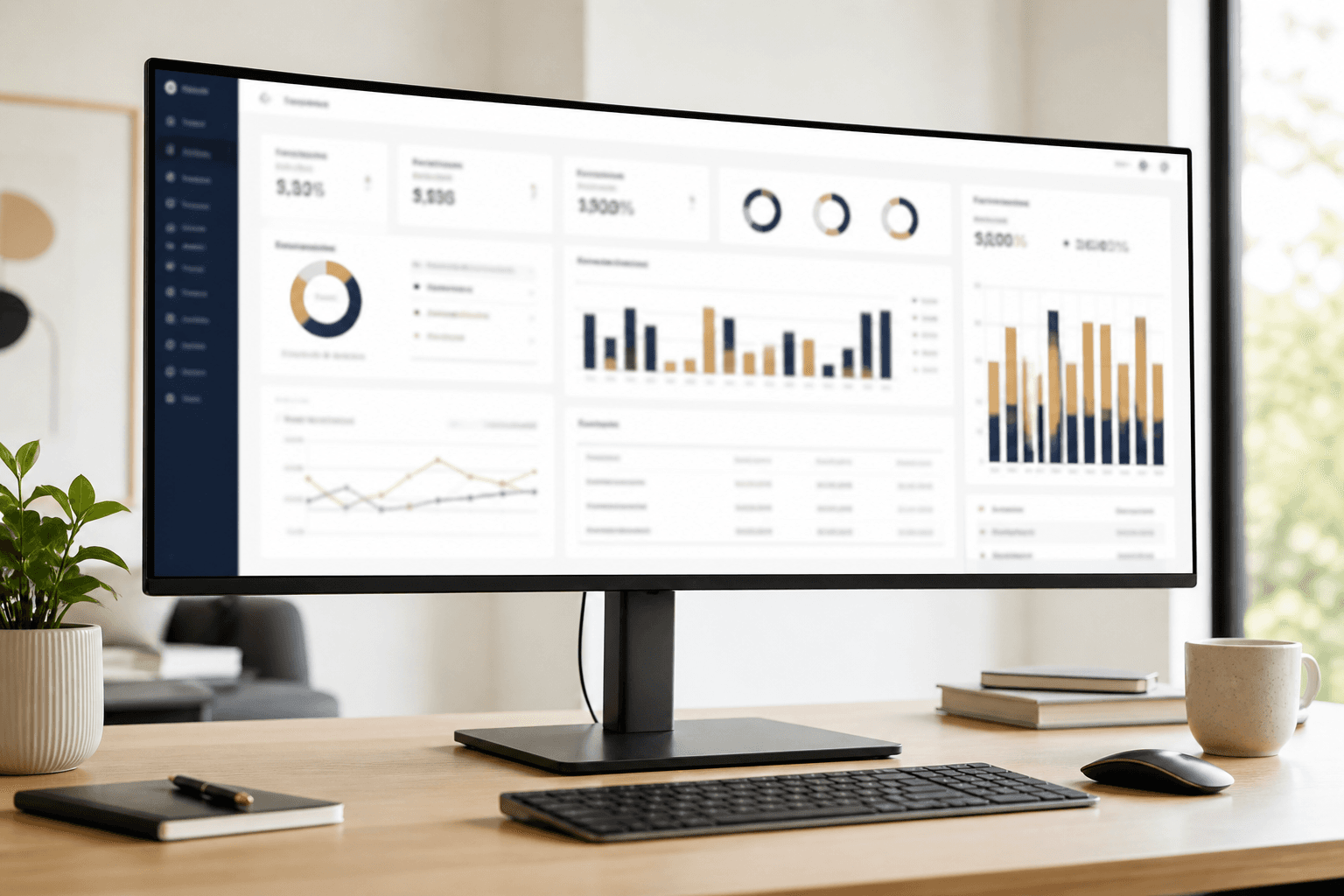
A QuickBase app can store thousands of clean records and still fail if leaders cannot see what matters. That is where QuickBase dashboards earn their keep: they turn tables and reports into a daily operating view.
Here is how to design dashboards people open on purpose — not once during training and never again.
What Is a QuickBase Dashboard?
A QuickBase dashboard is a customizable home screen that combines reports, charts, buttons, rich text, and sometimes embedded pages. Different roles can land on different dashboards, so operations, sales, and executives each see a relevant slice of the same underlying data.
Why Dashboards Drive Adoption
Most users will not navigate six tables before coffee. They want answers:
- What needs my attention today?
- Where are we blocked?
- Are we on track against the target?
A strong dashboard answers those questions in under ten seconds. That speed is what turns QuickBase from "another system" into the place work starts.
What Belongs on a High-Performing Dashboard
Action queues
Lists of records waiting on the current user — approvals, overdue tasks, missing documents. If someone can click and work, the dashboard is earning its space.
Trend and KPI widgets
Charts for volume, cycle time, win rate, or open risk. Keep the set small. Five charts with a story beat fifteen charts with noise.
Shortcuts and intake
Buttons to create the right record type, open a filtered report, or launch a guided process. Reduce hunting.
Role-Based Dashboards Beat One Mega Screen
Executives need outcomes. Coordinators need queues. Field users need the next job. Trying to serve all three on one page creates clutter and distrust. In QuickBase, give each role a home that matches their job — backed by the same governed data model.
Dashboard Design Mistakes to Avoid
- Showing raw tables with no filters or ownership
- Mixing vanity metrics with operational alerts
- Forgetting mobile-friendly layout for field teams
- Building charts before the underlying reports are trustworthy
- Never reviewing usage — if nobody clicks it, redesign it
How Agrasen Technologies Builds QuickBase Dashboards
Dashboards only work when the data model, reports, and permissions underneath them are solid. Agrasen Technologies builds QuickBase applications with role-based dashboards as part of the delivery — not a decorative afterthought. If your team needs a QuickBase dashboard they will actually run the business from, schedule a consultation.
The goal is simple: open QuickBase, know what to do next, and trust the numbers on the screen.