QuickBase Table Relationships: Model Your Business Without Spreadsheet Chaos
October 8, 2026 · By Samir Agrawal
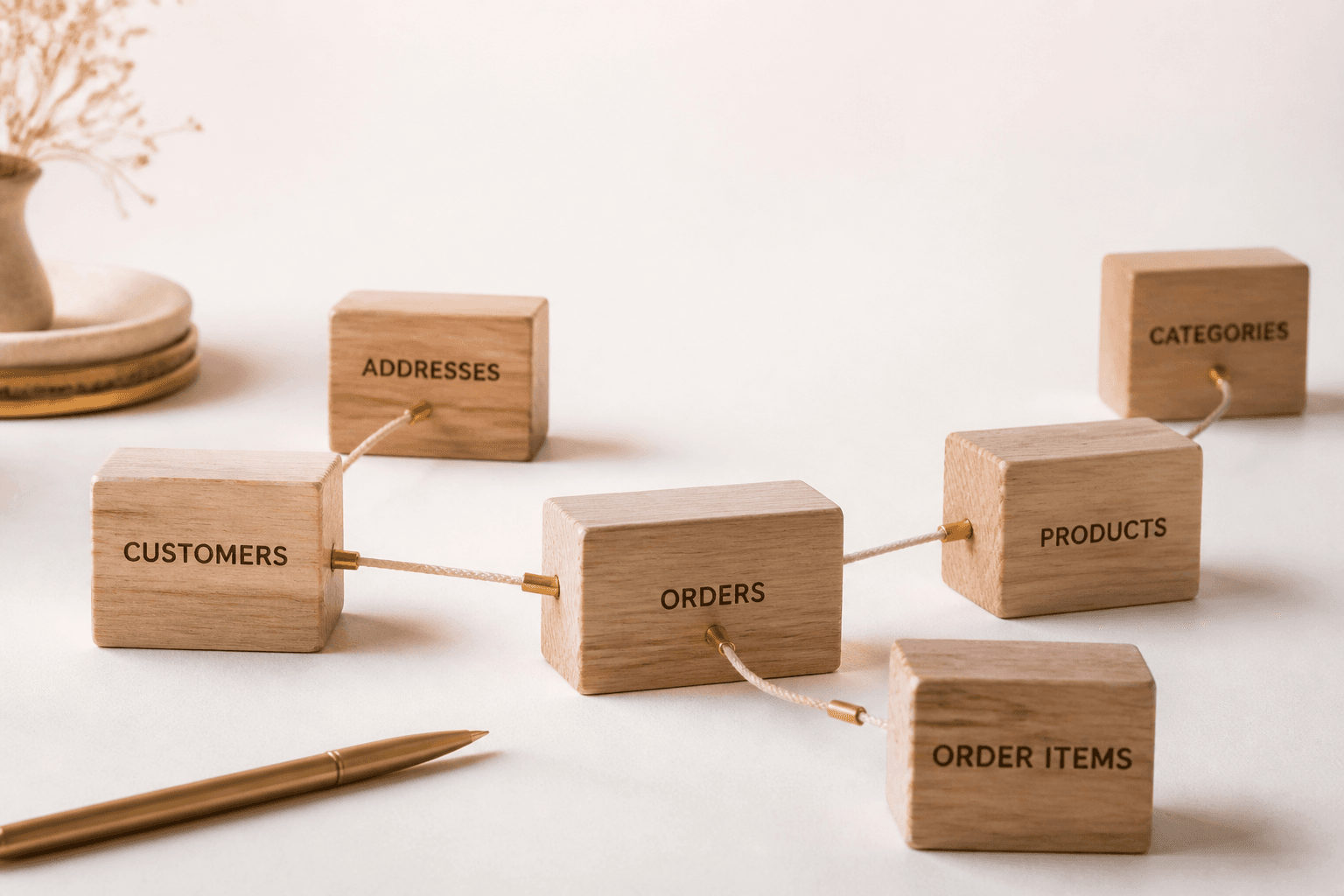
Spreadsheets flatten the world. Real businesses do not. Customers have projects. Projects have tasks. Tasks have files and approvals. QuickBase relationships let you model those links so every record knows how it connects to the rest of the business.
Get relationships right and everything else — formulas, reports, automations — gets easier.
What Are Table Relationships in QuickBase?
A relationship connects a parent table to a child table. One customer can have many projects. One project can have many tasks. Lookups bring parent details down to the child. Summary fields roll child activity up to the parent.
That structure is the core reason QuickBase outperforms "smart spreadsheets" for operational systems.
Relationship Patterns You Will Use Constantly
- Customer → Projects → Tasks
- Vendor → Purchase Orders → Line Items
- Asset → Work Orders → Parts Used
- Employee → Time Entries → Approvals
How Relationships Unlock Better Apps
- Open a customer and see every related project without hunting
- Summarize open tasks or spend automatically on the parent
- Filter reports across related data with consistent keys
- Automate child updates when a parent status changes
Data Modeling Tips That Save Months Later
- Normalize early. Do not copy customer address onto every project if it belongs on the customer.
- Use stable keys. Prefer record IDs or governed codes over names that change.
- Define cardinality on purpose. Many-to-many often needs a junction table.
- Name relationships clearly so builders understand parent vs child at a glance.
Signs Your Relationship Model Needs Work
Duplicate customer records, conflicting totals, and reports that only work after manual cleanup are usually data-model problems — not "user training" problems. Fixing them later is harder than designing them once.
Agrasen Technologies and QuickBase Data Models
We start most QuickBase engagements by mapping entities and relationships to how your operation actually runs. Agrasen Technologies builds that model into a maintainable app — then layers forms, workflows, and dashboards on top. If your current app feels like connected spreadsheets, we can help reshape it.
Strong relationships are invisible when they work — and painfully obvious when they do not.