QuickBase vs Smartsheet: Which Is Right for Your Business?
June 4, 2026 · By Samir Agrawal
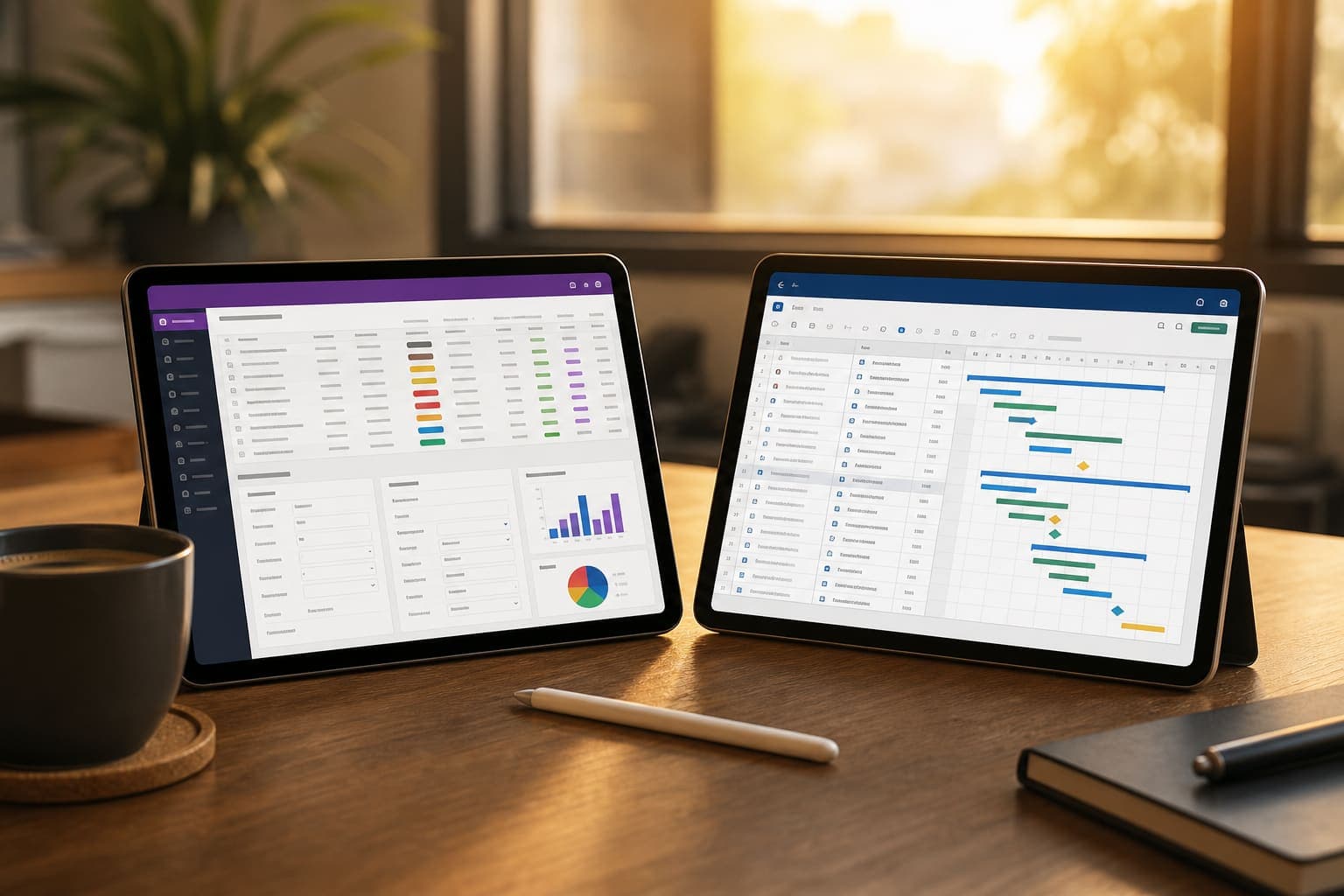
Two of the most common platforms I'm asked about are QuickBase and Smartsheet. Both are excellent tools, both have loyal followings, and both can transform how your team works. But they're not interchangeable. Choosing the wrong one can mean months of frustration and wasted budget. Having implemented both across various organizations, here's my honest breakdown.
The Core Difference
At their heart, QuickBase and Smartsheet solve different problems. Smartsheet is a work management platform built around a spreadsheet-like interface. It's designed for project management, task tracking, and team collaboration. QuickBase is a low-code application platform built around relational databases. It's designed for building custom business applications that connect data, people, and processes.
Think of it this way: Smartsheet helps you manage work. QuickBase helps you build the systems that manage work.
Features Comparison
Data Handling
QuickBase wins hands down for complex, relational data. If you need to track how customers relate to orders, orders relate to inventory, and inventory relates to suppliers — QuickBase handles that natively. Smartsheet works with flat or mildly hierarchical data. It's great for task lists, Gantt charts, and dashboards, but it struggles when data relationships get complex.
User Experience
Smartsheet wins on accessibility. If someone can use Excel, they can use Smartsheet within hours. QuickBase requires more onboarding — building apps involves understanding tables, forms, relationships, and automation rules. It's not difficult, but it's a steeper curve.
Automation
Both platforms offer solid automation. Smartsheet's automations are straightforward — trigger-based workflows that send alerts, request approvals, move rows, or update fields. QuickBase's automations are more powerful and can span across multiple tables and applications, but they require more setup. For simple workflows, Smartsheet is faster. For complex, multi-step business processes, QuickBase is more capable.
Reporting & Dashboards
QuickBase's reporting is deeply tied to its relational data model, allowing you to build cross-table reports and summary dashboards with ease. Smartsheet's dashboards are visually appealing and easy to build, but they're somewhat limited when pulling data across multiple sheets.
Pricing Approach
Smartsheet offers tiered pricing starting with a per-user model that's accessible for small teams. QuickBase's pricing is higher and based on the number of users and the plan tier, making it a bigger commitment. For small teams with straightforward needs, Smartsheet is more cost-effective. For organizations that need a true application platform, QuickBase's price reflects its deeper capabilities.
When to Choose Smartsheet
- Your primary need is project management and task tracking
- Your team is comfortable with spreadsheets and needs fast adoption
- You need strong Gantt chart and timeline visualization
- Your data is relatively flat — task lists, schedules, trackers
- Budget is a primary concern and your team is small
When to Choose QuickBase
- You need custom business applications, not just project tracking
- Your data is relational — customers, orders, products, suppliers
- You need complex, multi-step workflow automation
- IT governance and role-based access control are important
- You're replacing multiple disconnected spreadsheets and tools
The Bottom Line
There's no universal winner here — just the right fit for your situation. If you need a fast, intuitive way to manage projects and collaborate, start with Smartsheet. If you need to build interconnected business systems without traditional development, invest in QuickBase. And if you're unsure, start by mapping out what you actually need the tool to do — the answer usually becomes clear.